
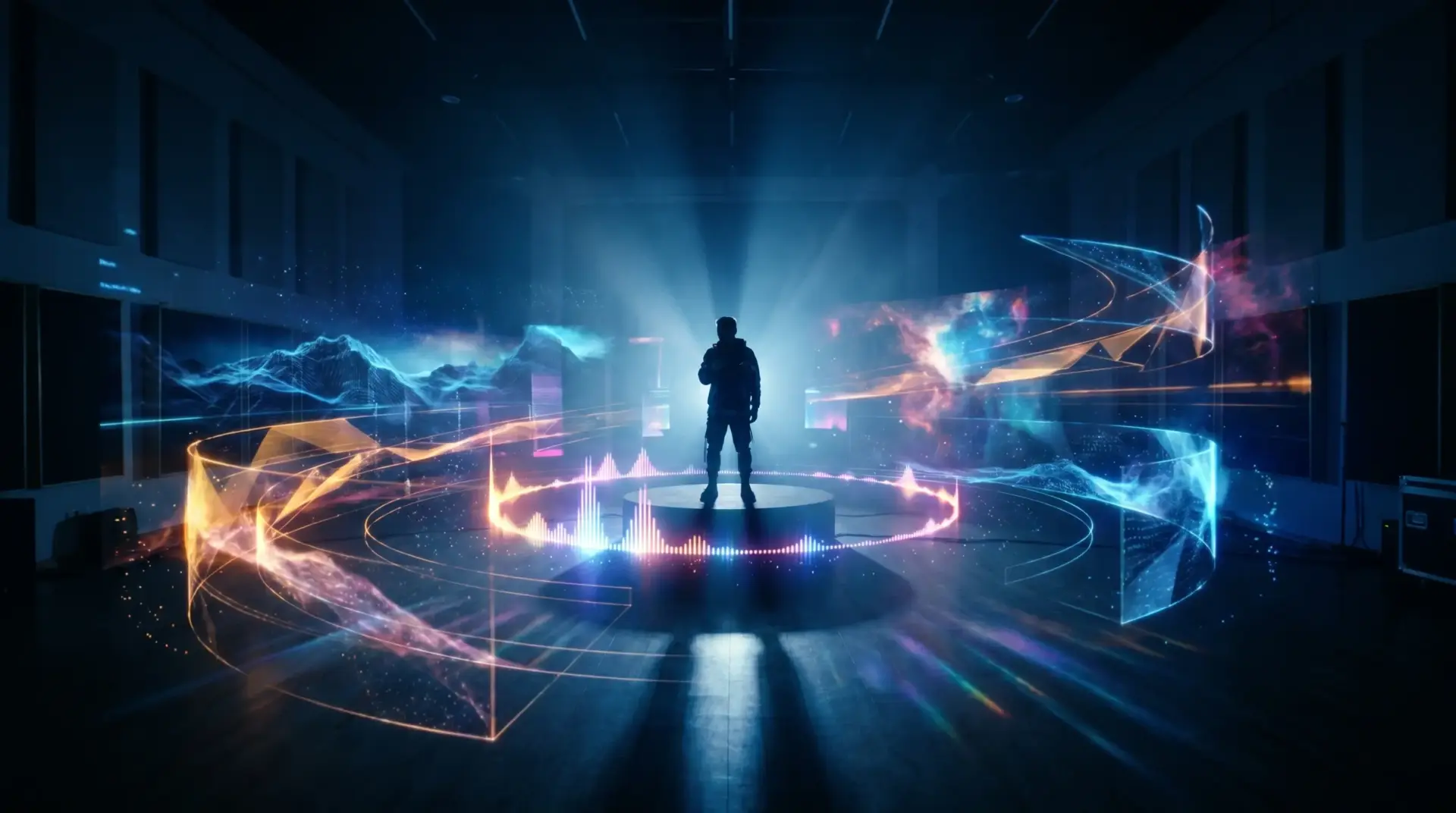

The music industry’s visual landscape has shifted dramatically. Where artists once needed a director’s vision, a production crew, and a serious budget to produce a music video, AI-powered generators now handle much of that heavy lifting. The technology has matured beyond novelty — independent musicians, content creators, and even marketing teams are using these tools to produce visuals that genuinely complement their audio.
But generating something watchable is different from generating something good. Here’s how to approach AI music video creation with intention, and which tools are worth your time right now.
How AI Music Video Generators Actually Work
At their core, these tools analyze your audio track — its tempo, energy shifts, mood, and structure — and use that data to generate synchronized visuals. The best ones don’t just layer random imagery over a beat. They interpret the emotional arc of a song, matching visual intensity to crescendos and pulling back during quieter moments.
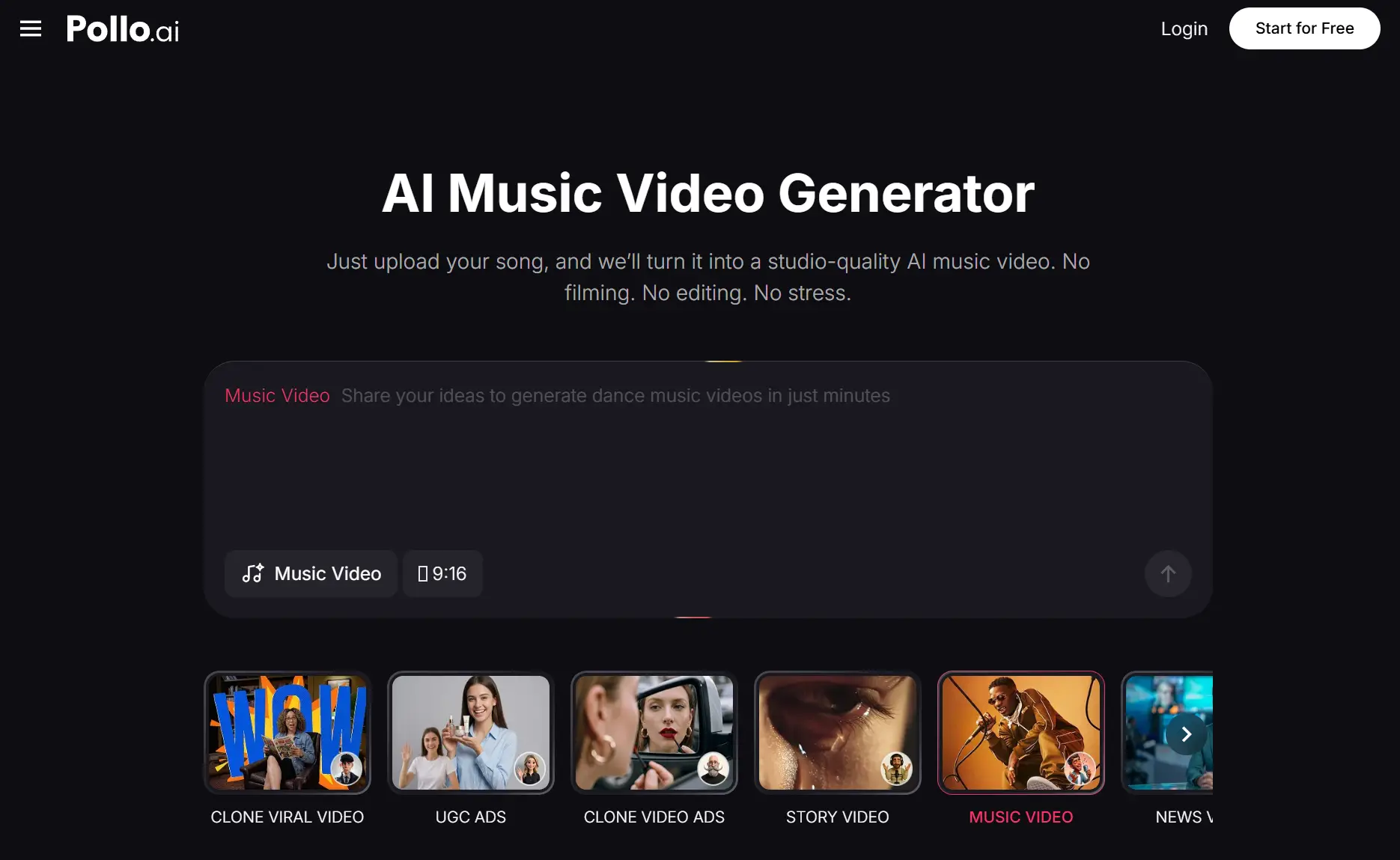
Pollo AI’s AI MV generator is a strong example of this approach done well. You upload a song, describe the visual direction you’re after, and the platform produces a beat-synced video that feels deliberately crafted rather than randomly assembled. The tool supports detailed text prompts, so you can specify aesthetic choices — “abandoned cathedral with shifting light and dust particles” hits differently than a vague request for “something moody.” That level of control over the creative direction is what separates Pollo AI from more basic slideshow-style generators.
What makes this particularly useful for independent artists is the speed. A traditional music video shoot takes days of planning, a full day of filming, and weeks of post-production. An AI-generated music video can be ready in minutes. That doesn’t make it a replacement for a high-concept professional shoot, but for artists releasing music regularly who need consistent visual content across platforms like YouTube, TikTok, and Instagram, it’s a game-changer.
Matching Visuals to Your Genre and Mood
The most common pitfall with AI music videos is a mismatch between audio and visual tone. A melancholic acoustic ballad paired with hyperactive neon graphics feels jarring. A hard-hitting trap beat over serene landscape footage falls flat. Before you generate anything, take a moment to think about what your listeners would expect to see when they hear your track.
For electronic and dance music, abstract geometric patterns, light trails, and urban nightscapes tend to resonate. Hip-hop and rap often benefit from gritty textures, street-level cinematography styles, and bold typography. Indie and folk tracks pair naturally with organic imagery — forests, water, handwritten textures, film grain effects.
Pollo AI brings together over 100 AI-powered video apps within a single platform, which means you’re not locked into a single visual engine. You can experiment with different generation models until you find the aesthetic that clicks with your track. The platform also offers image-to-video capabilities, so if you already have album artwork or promotional stills, you can animate those into video segments and weave them into your music video for a more cohesive brand feel.
Exploring Other Platforms Worth Knowing About
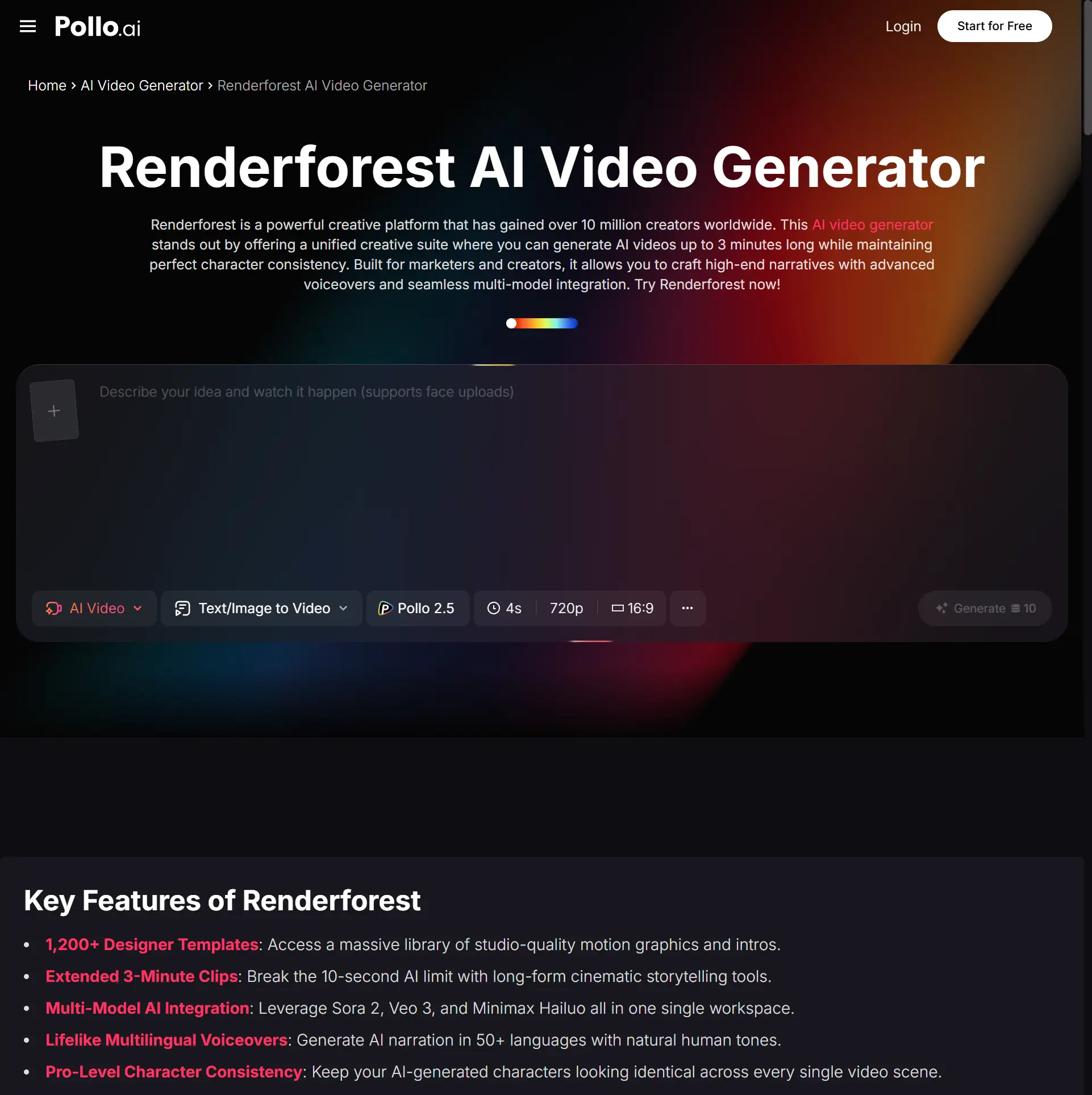
The AI video creation space has several capable players, and understanding what each does best helps you make smarter choices for your projects. Renderforest is a well-established creative platform that offers an AI music video generator alongside a broader suite of video, design, and website creation tools. What Renderforest does particularly well is template-driven production — with over 1,200 templates available, it’s a strong option for creators who want a polished, professional look without starting from a blank canvas. Pollo AI provides access to Renderforest’s capabilities as well, letting you create cinematic clips using its advanced AI features directly through the Pollo AI ecosystem.
Within Pollo AI itself, there are several complementary tools that round out a music video workflow. The text-to-video generator is useful for creating lyric visualizers or intro sequences where words are the primary visual element. The image-to-video tool lets you transform static artwork — album covers, band photos, AI-generated portraits — into animated clips that can serve as standalone social content or be incorporated into a longer music video. Having all of these under one roof through Pollo AI means you spend less time switching between platforms and more time actually creating.
Practical Tips for Higher-Quality Output
The difference between an AI music video that looks amateurish and one that looks intentional usually comes down to a few decisions made before you even hit the generate button.
Audio quality matters more than you might think. AI tools analyze your track to determine visual pacing and mood, so a poorly mixed or heavily compressed file gives the algorithm less to work with. Always upload the highest-quality version of your song available.
Prompt specificity is your best friend. Instead of writing “make a cool music video,” try something like “slow-motion footage of rain on glass with warm amber lighting, transitioning to wide aerial shots of an empty highway at dusk.” The more vivid and concrete your description, the more coherent the output. Pollo AI’s generator responds well to detailed prompts because it’s designed to interpret creative direction, not just fill a template.
Work in sections rather than generating the entire video at once. Create separate clips for the intro, verses, chorus, and bridge, varying the visual style for each. This mirrors how professional music videos are actually structured — with visual shifts that mirror musical transitions. You can then combine your best outputs into a final cut.
Don’t settle for the first generation. Run multiple variations of each section and cherry-pick the strongest moments. AI generation is fast enough that producing three or four versions of a thirty-second segment takes minutes, and the curation process is where your creative judgment adds the most value.
Making Video a Sustainable Part of Your Release Strategy
The real opportunity here isn’t about making one impressive AI music video. It’s about building a sustainable visual content pipeline that keeps pace with your music output. Artists who release a single every month can now pair each track with a matching visual — building a recognizable aesthetic across their catalog without burning through their budget.
Pollo AI makes this repeatable by consolidating the tools you need into a single platform. Album art animation, music video generation, social media clips — all of it lives in one place, which makes developing a consistent workflow much easier than bouncing between five different services.
The technology will keep improving. What matters right now is developing the creative instincts to use these tools well — understanding what makes a visual complement a song rather than compete with it, and building the habit of thinking visually every time you finish a track. The artists who figure that out early will have a significant edge as AI-generated video becomes the norm rather than the exception.

Film-buff journalist Felix Moreno earned his Film Studies degree at NYU and has reviewed cinema and streaming culture since 2012. Joining us in 2025, he spotlights must-watch releases, crafts spoiler-free synopses, and interviews behind-the-scenes talent. Felix’s playful trivia keeps readers ahead of the pop-culture curve. Offscreen, he runs a community film club and experiments with short-film screenwriting in his Brooklyn studio.


