
Every small business owner does the same search eventually. “Best security cameras 2026.” What comes back is a wall of spec sheets — 4K! 8MP! AI person detection! Color night vision! — each box promising more pixels than the last.
Six months later, the same owner is squinting at footage of the one incident that mattered, and the camera caught it perfectly… in silhouette, against a sun-blasted window, at an angle showing the top of someone’s hat. All those megapixels, recording the wrong thing beautifully.
The gap between “buying cameras” and having a system that works is made of decisions that never appear on the packaging — and they’re exactly where an experienced commercial security camera installer starts the conversation. Angles, light, storage, law. Here’s what actually matters, in the order it matters.
Coverage Beats Resolution Every Time
Start with a floor plan, not a product page. The most common failure in small business surveillance isn’t cheap hardware — it’s expensive hardware pointed at nothing important.
Map the spots where things actually happen. Every entrance, obviously, positioned to catch faces on the way in, not the backs of heads on the way out. The register, from an angle covering both the drawer and the counter interaction. The stockroom door. The back entrance where deliveries arrive and, statistically, where trouble prefers to enter. The parking area if you have one, because incidents in the lot are your problem long before they’re anyone else’s.
Then hunt dead zones. Walk your space imagining you’re trying not to be seen — the blind corridor between shelving, the alcove by the restroom, the three feet directly beneath a badly mounted camera. Good systems overlap: one camera’s blind spot sits in another’s frame. Two well-placed mid-range cameras beat one spectacular camera with a gorgeous view of half the room.
The Megapixel Trap
Resolution matters in one specific situation: identifying detail at distance. Reading a license plate across a lot. Making out a face from fifteen meters. For those jobs, pixel count is real, and skimping means fuzzy evidence.
For a camera watching a doorway from two meters? A modest 2MP unit captures a face you could pick out of a lineup. The 4K upgrade adds nothing but cost — and the cost isn’t only the camera. Higher resolution means bigger files, which means your storage fills four times faster, which means either buying more drives or keeping fewer days of footage. Owners discover this math after installation, never before.
The spec that deserves the attention megapixels get: the lens and field of view. A wide-angle camera in a narrow hallway wastes pixels on walls. A narrow lens covering a wide sales floor leaves gaps. Matching optics to space is the actual skill, and it’s why the same camera model performs brilliantly in one shop and uselessly next door.
Night, Glare and Glass: Where Cameras Actually Fail
Spec sheets are written for perfect lighting. Your business doesn’t have perfect lighting.
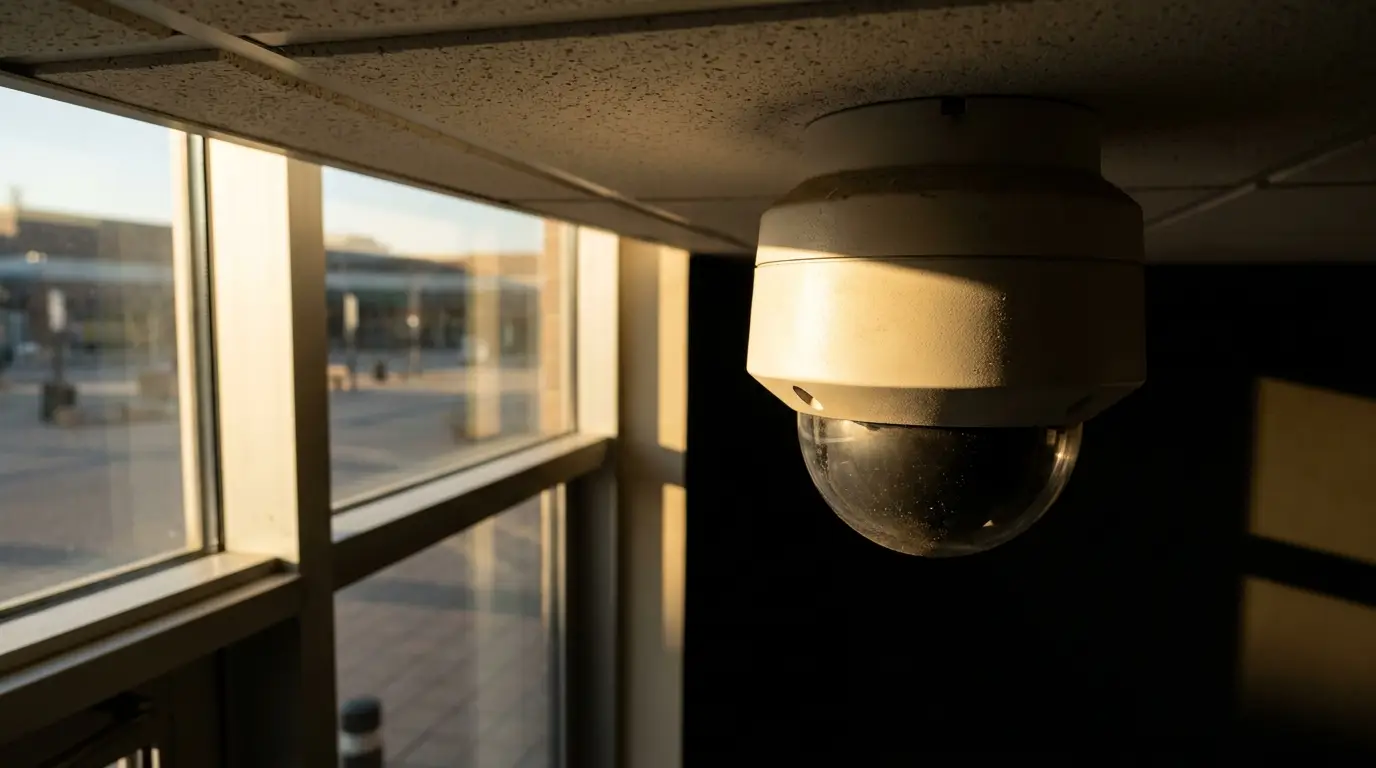
The classic killer is the storefront window. Daytime backlight turns everyone entering into a black cutout against a blazing background — unless the camera has real WDR (wide dynamic range) and is positioned to manage the contrast. At night the same glass plays a different trick: infrared bounces off it, and a camera aimed through a window films a lovely bright reflection of its own IR glow while the street beyond stays invisible.
Dark parking areas need cameras built for them — proper IR range or low-light sensors — not indoor units in a plastic housing hoping for the best. And anything mounted outside faces weather, temperature swings, spiders who adore warm lenses, and the occasional human with hostile intentions, which is what vandal-rated domes exist for.
None of this is exotic knowledge. It’s just invisible until the first time footage lets you down.
Storage: The Decision Nobody Thinks About Until Footage Is Gone
Cameras get all the attention. Storage does all the work.
Local NVR vs. Cloud
A local NVR (network video recorder) keeps everything on-site: no monthly fees, no internet dependency, full control. Its weakness is physical — if a burglar takes or smashes the recorder, your evidence leaves with them. Mounting it locked away, out of sight, is step one; some setups add cloud backup of key cameras as insurance.
Cloud storage flips the trade. Footage lives off-site and survives anything that happens to your building, accessible from your phone at the beach. In exchange: monthly per-camera fees forever, and total dependence on your internet upload speed. A common small-business answer is hybrid — local recording for everything, cloud for the two or three cameras that matter most.
How Many Days of Recording Do You Really Need
Here’s the scenario that decides it. A customer calls claiming they were injured in your shop… nineteen days ago. Or a charge dispute lands a month after the transaction. If your system keeps ten days of footage, you have nothing but their word against a shrug.
Thirty days is the sensible floor for most businesses. Insurance claims, chargebacks, and employee disputes all surface on delays. Storage is cheap compared to a liability claim you can’t answer — size the drives for the timeline, not the other way around.
The Legal Side: Employees, Customers and Audio
Cameras come with rules, and small businesses break them mostly by accident.
Recording employees is generally legal in work areas — and generally requires you to be upfront about it. Many states expect notice; all common sense demands it. What’s flatly off-limits everywhere: restrooms, changing areas, anywhere with a reasonable expectation of privacy. One camera in the wrong spot converts your security system into your legal problem.
Audio is its own minefield. Video surveillance laws and audio recording laws are different animals, and in many states recording conversations without consent violates wiretap statutes — yes, even on your own property. Plenty of professionals simply disable microphones on commercial installs unless there’s a specific, vetted reason.
And post the signs. “Premises under video surveillance” notices cost a few dollars, satisfy notice requirements, and do quiet deterrent work before anyone commits to a bad idea.
DIY Kits vs. Professional Installation: The Honest Comparison
Boxed kits have a legitimate home. A single-room studio, a small office with one door, a kiosk — plug in a two-camera kit, aim, done. No shame in it.
The picture changes with scale and stakes. Running cable cleanly through a commercial ceiling, powering everything over PoE so there’s no wall-wart forest, configuring motion-based recording so storage lasts, positioning for the light problems described above, mounting hardware where it can’t be casually ripped down — that’s a trade, practiced. The recurring story isn’t that DIY fails immediately; it’s that it works at 80 percent, and the missing 20 percent is discovered during the exact incident the system existed for.
There’s also the redo cost. Paying once for professional design and installation is consistently cheaper than paying for a kit, then paying someone to diagnose it, then paying to re-run cable and replace half the cameras with appropriate ones. Businesses make that second journey daily.
Keeping the System Alive After Install
A camera system is not a crockpot. You can’t set it and forget it.
Lenses collect dust and cobwebs — outdoor domes especially, and a spider web under IR light looks like a snowstorm on footage. Wipe them quarterly. Firmware needs occasional updates, because networked cameras with ancient software have a way of joining botnets. Drives fail silently; a recorder can sit dark for months while everyone assumes it’s recording. When a camera dies, replace it that week, not that quarter — systems decay one ignored failure at a time.
The whole discipline compresses into one monthly habit. Right now, today: open your system and pull up yesterday’s footage from your most important camera. Scrub through it. If it plays, clear and timestamped, your system is alive. If you’re staring at an error, a black frame, or a login you forgot — better to find out on a calm Tuesday than the morning after.

Liam Bennett holds a degree in Computer Science from the University of Edinburgh and has over 15 years of experience in technology and digital innovation. He began his career in software development, focusing on user-friendly systems and backend architecture. Liam joined our platform in 2025 to lead our Tech section, where he simplifies complex topics—from smart home devices and AI tools to cybersecurity and troubleshooting tips. Known for his clear, practical advice, he helps readers navigate today’s fast-evolving tech landscape. Outside of work, Liam enjoys building custom PCs and contributing to open-source projects.