
Apartment security is awkward in a very specific way. You may want to see your entryway, a pet area, or the living room while you are away, but the lease says no drilling, the hallway is shared, and the balcony faces another unit. That rules out many standard camera setups before you even pick a device.
Small wireless security cameras can still work for renters, as long as the plan starts with the apartment’s constraints rather than the camera spec sheet. The practical question is not just which camera is small enough. It is where it can sit, how it gets power, what it is allowed to record, and how the wall or shelf will look when you move out.
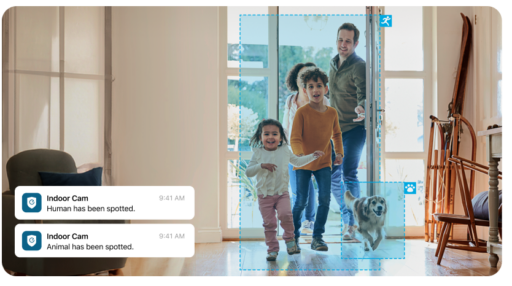
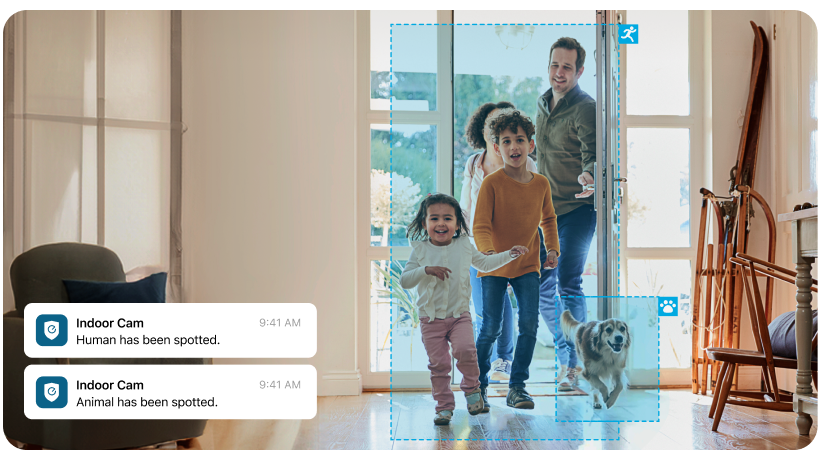
An indoor security camera detects human and pet activity.
Start with The Lease Before the Camera
Many apartment camera problems start with the first question renters ask. Renters often ask, “Can this camera mount here?” The better question is, “Does the lease let me put anything here at all?”
Lease language varies, but the limits usually fall into a few patterns:
Lease wording | What it usually means for cameras |
No alterations or fixtures | Do not drill, screw, or permanently attach a mount |
No devices in common areas | Avoid hallways, shared entries, stairwells, and exterior corridors |
No surveillance of other tenants | Keep the camera view inside your unit |
Written approval required | Ask before mounting anything near doors, windows, balconies, or exterior walls |
If the lease is unclear, ask about the installation method specifically. “Small indoor camera on a shelf facing my entry door, no drilling, no view of the hallway” is easier to approve than a general camera question. Local rules can affect how placement is treated.Landlords typically focus on two things: damage to the unit, and whether other residents might be recorded. Address both directly and keep the reply in writing if it could matter at move-out.
Choose a No-Drill Mount that Matches the Surface
Adhesive strips work on smooth drywall, tile, glass, or finished wood. The failure is not the strip. It is misjudging the surface and finding the camera on the floor a month later.
Suction cups on windows are not reliable. Repositioning once tends to break the seal, and the angle often captures glass or the building opposite instead of the entry you intended.
Clamp mounts are removable but can leave pressure marks on soft or painted wood. Test the spot for a day or two before committing.
The option most renters skip is no mount at all. A compact camera on a bookshelf or entry table can cover the apartment door without touching any wall. The angle is less precise and the camera can be bumped, but a stable shelf is the only setup that leaves nothing behind at move-out.
Plan Power Before Choosing the Camera Angle
Wireless can mean two different things. Some cameras run on a built-in battery with no cord. Others use WiFi for the signal but still need a USB cable for power. Sort that out before settling on a placement, because it changes where the camera can realistically go.
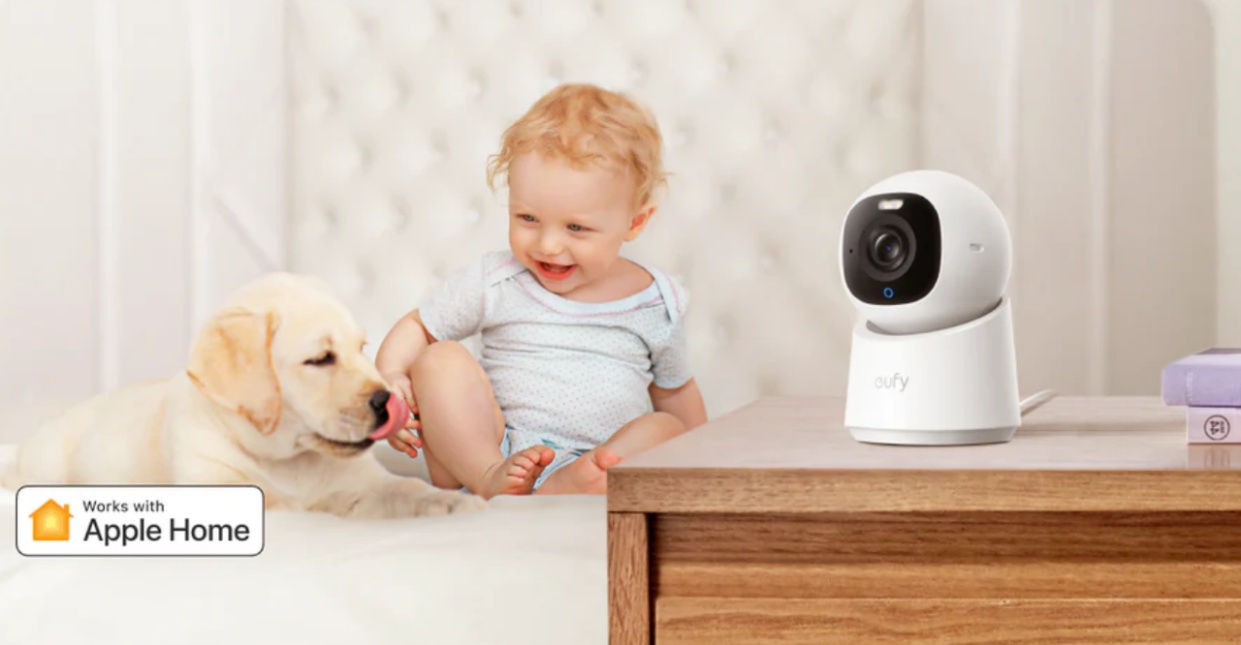
Battery cameras are easier to place at first. No cord, no outlet search. The tradeoff shows up when the battery needs charging and the best angle turns out to be the hardest spot to reach. That becomes part of the routine, which works for some people and becomes a reason to stop using the camera for others.
Plug-in cameras stay put. Once the cord reaches the outlet and the angle is set, there is nothing to schedule. The outlet decides the route though, and renters usually figure that out after the camera is already up and the cord is two feet short.
If the cord has to cross a walking path or run under a rug, the placement is wrong. For entryway coverage, start with the outlet location and plan the angle from there rather than picking the angle first and hoping the outlet cooperates.
Set the View without Recording Neighbors
Inside the apartment is the safer boundary. Your own door viewed from inside, a living room entry path, or a pet area are all reasonable. Anything pointing into a shared hallway, through a window toward another building, or across a balcony into a neighboring unit can cross a line. Lease terms, HOA policies, and local law may each draw that line differently.
The angle that seems most useful can also be the one that catches neighbors as a side effect. Check what the camera actually records on day one rather than trusting the setup preview.If the app supports activity zones or privacy masking, use them early. A wider field of view is not always an advantage when the useful area is a ten-foot entry corridor and everything past that edge is someone else’s space.
If you are comparing indoor options by room coverage, resolution, and local or cloud storage, the eufy indoor camera collection keeps interior models separate from outdoor cameras built for permanent wall or soffit mounting. That matters if you are comparing a mini wireless security camera for a shelf with outdoor cameras that expect a more permanent position.
Transfer the Camera Before Move-Out
Before unpacking, save any clips you still need, pull the microSD card, and reset the camera if it is going to another person or account.The next apartment will probably change the plan. The outlet may be on the wrong wall, the WiFi weaker near the door, or the shelf you counted on may not exist. Pack the camera, cable, adapter, and all mounting pieces together. Test on furniture for a few days before committing to any adhesive or clamp position. New lease, new angles.
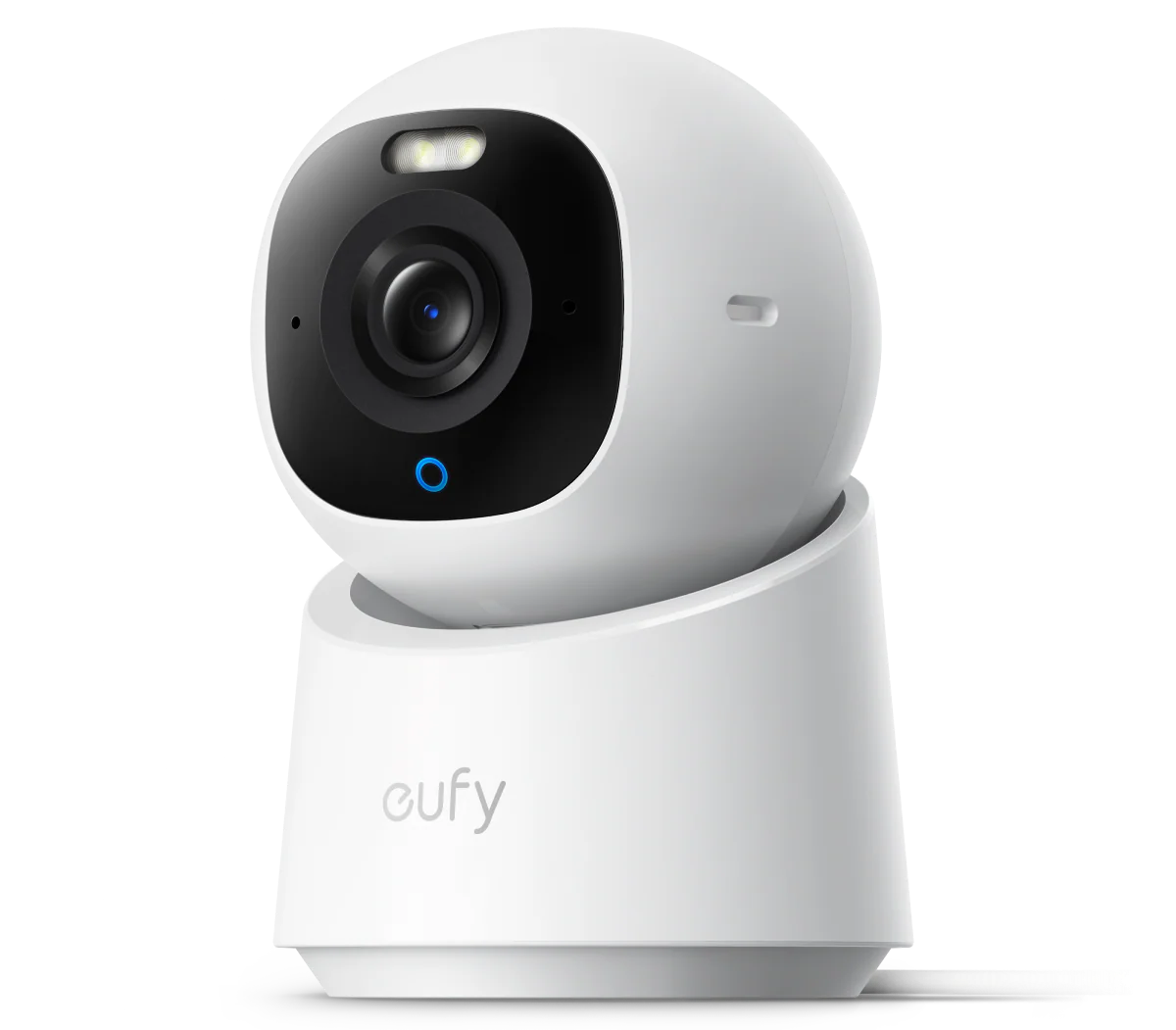
This is where a furniture-based setup pays off. An indoor camera, such as the eufy Indoor Cam E30 can move from an entry table in one unit to a bookshelf in the next without leaving a bracket behind. Its 360-degree view helps when the new shelf does not face the door squarely. If you use local storage, remember to remove the card before packing.
After the device is handled, restore the old spot. Remove adhesive slowly, check the wall in daylight, clean any dust outline, and wipe the shelf surface. The goal is simple: the camera leaves with you, and the apartment does not keep a record of where it was.
Conclusion
Renters can use small wireless security cameras without drilling, but the cleanest setup starts with limits: lease language, landlord approval, surface type, outlet location, and privacy boundaries. The camera comes after that. If the apartment only needs entryway or room coverage, a compact wireless camera placed on furniture usually gets the job done without a mount, a deposit risk, or a cleanup project at move-out. The camera goes in a bag, and whatever is held behind it stays behind without a mark.

James McLaren, with a rich background in architecture from the University of Manchester, has been contributing his expertise to the world of creative construction and home innovation for over 20 years. His journey began as a project manager for a leading construction firm, where he honed his skills in bringing complex designs to life. James joined our platform as a freelancer in 2019, quickly becoming a favorite for his insightful and practical advice. He has been a pivotal force to our wing ever since, bringing our readers a blend of technical know-how and creative flair. Beyond his professional life, James is an avid woodworker and enjoys restoring vintage furniture, a hobby that complements his professional insights beautifully.