
Have you ever felt stiff after sitting at your computer all day? You are not alone. Many people struggle with back pain and low energy from traditional workstations.
The good news is that you do not need to replace your entire setup to fix this problem. If you are wondering what a riser desk is, it might be the simple solution you need.
This guide explains how desk converters work, the different types available, and what makes them different from a regular desk. I will help you decide if this affordable upgrade is the right fit for your daily routine.
What is a Riser Desk?
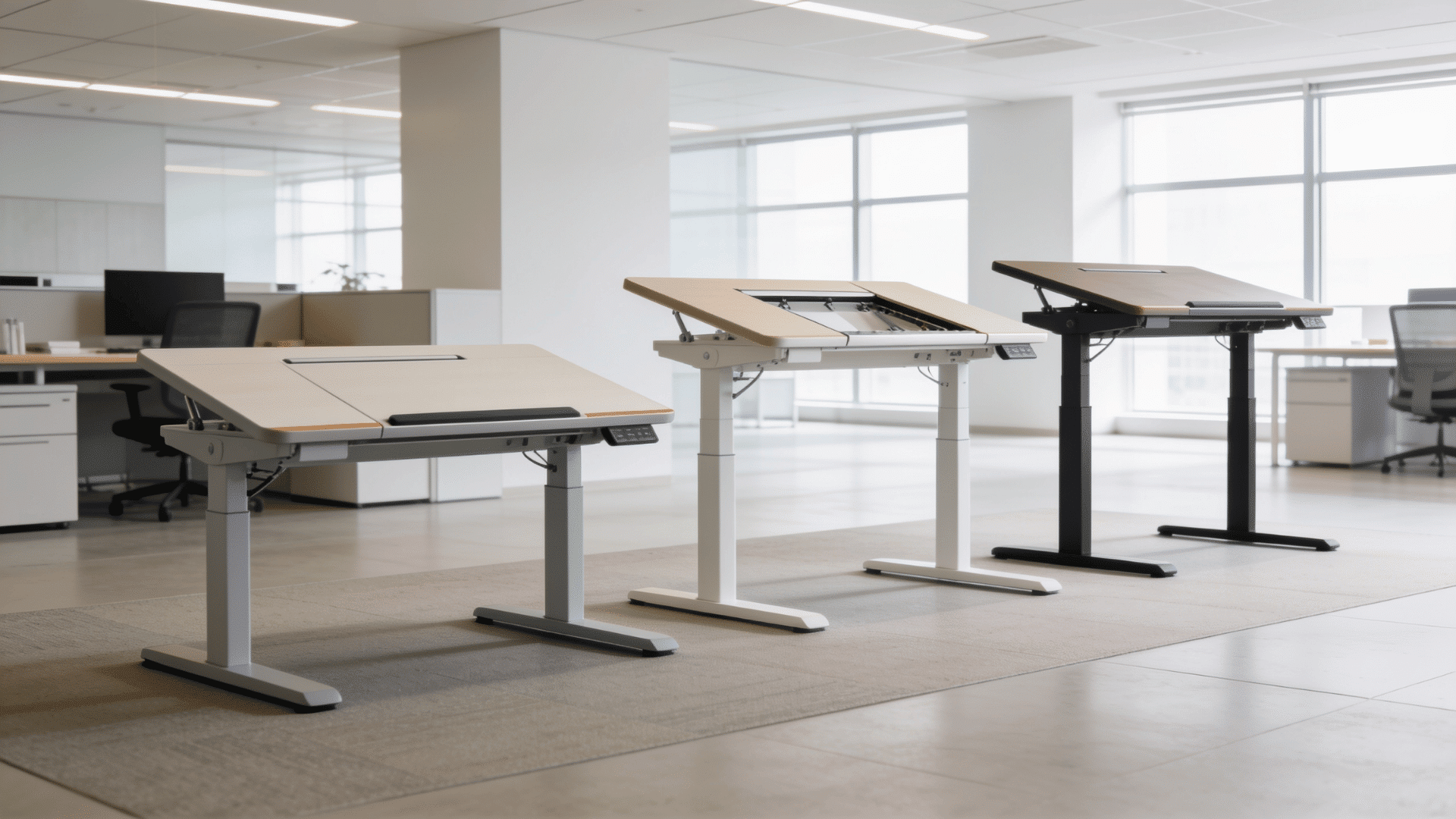
A riser desk, often called a standing desk converter, is a height-adjustable platform that sits directly on top of your existing desk. It raises your monitor, keyboard, and mouse to a comfortable standing height.
Instead of buying a completely new piece of furniture, you can place this compact unit on your current workspace to create a flexible sit-stand setup.
Most models feature a sturdy frame and a flat upper surface for your screen, along with a lower tier designed for your keyboard and mouse.
This simple accessory lets you easily alternate between sitting and standing throughout your workday. It promotes healthier habits by reducing the strain caused by prolonged sitting.
How does a Rising Desk Work?
A rising desk works using a built-in lifting mechanism that allows the platform to move up or down smoothly. When you want to stand, you activate the system to raise your work surface.
To sit back down, you lower it. There are a few common ways this movement is powered. Many popular models use a gas spring or pneumatic system, where squeezing a lever smoothly lifts the platform without electricity.
Other options include manual hand cranks, which require physical effort but offer precise control. For maximum convenience, electric risers use a small motor to change heights at the push of a button.
Riser Desk vs. Regular Desk
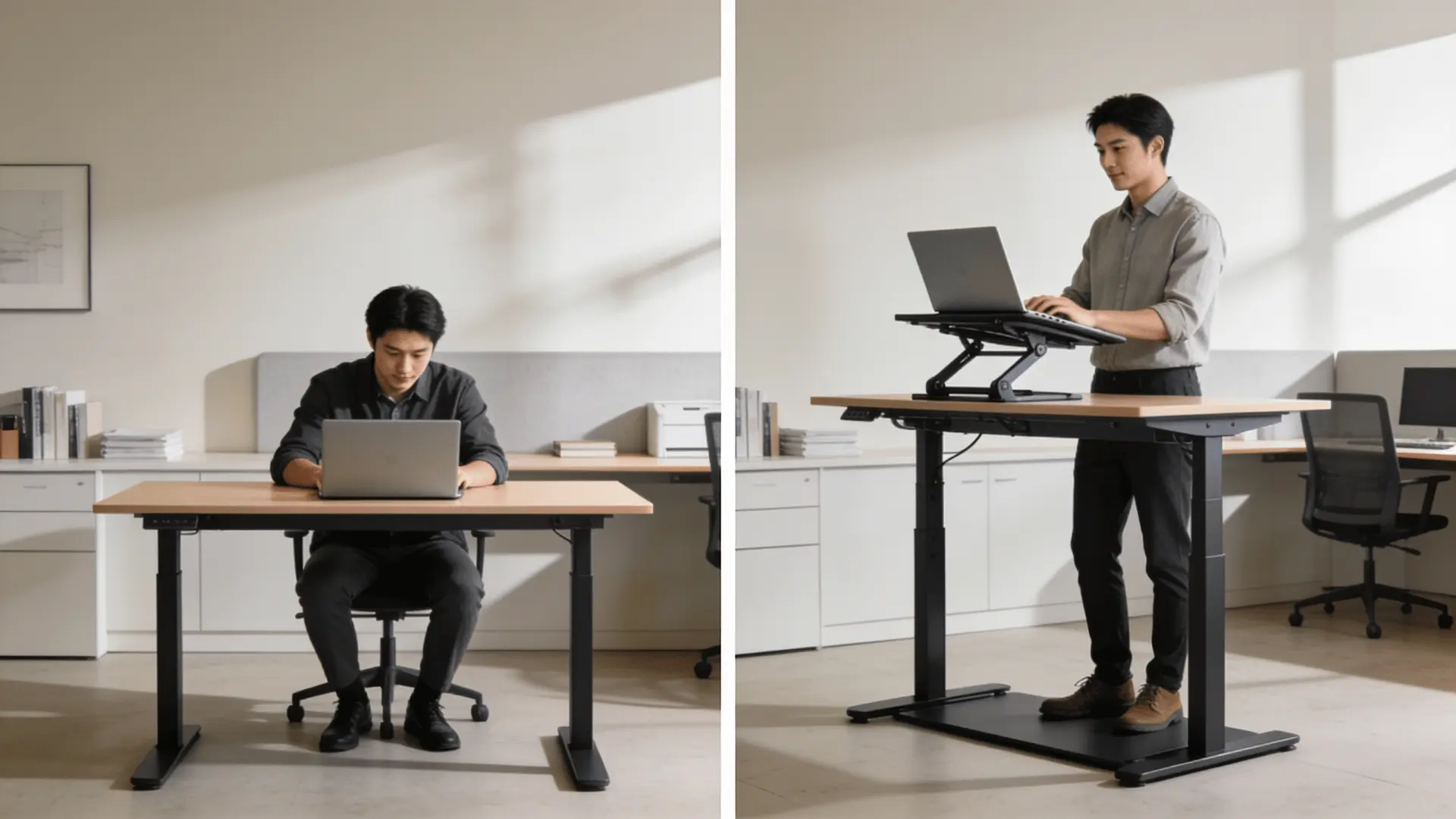
The biggest difference between a riser desk and a regular desk is flexibility. A standard office desk has a fixed height, meaning you are forced to sit in one position all day.
Here is the comparison structured into a clear and concise table, highlighting the distinct features of each workspace option:
| Feature | Riser Desk | Regular Desk |
| Structure | Sits directly on top of your current furniture. | Standalone piece of furniture with its own fixed legs. |
| Flexibility | Height-adjustable, allowing you to easily alternate between sitting and standing. | Fixed height; restricts you to one seated position all day. |
| Ergonomics | Promotes movement, helping to prevent stiffness and poor posture. | Lack of movement can lead to body strain and stiffness over time. |
| Configuration Options | Often includes specific tiers to hold your monitor and keyboard separately. | Provides a single, large flat surface for all equipment and tasks. |
| Moving Homes | Compact, relatively lightweight, and easy to pack or relocate. | Bulky, heavy, and requires more time and effort to move. |
| Cost | An affordable upgrade to gain sit-stand benefits without buying new furniture. | Requires a larger budget to purchase or replace the entire table. |
| Best For | Keeping your favorite traditional desk while adding healthy movement to your routine. | Traditional setups or people who need a vast, static surface area for non-computer work. |
The Honest Tradeoffs (What a Riser Desk Can’t Do)
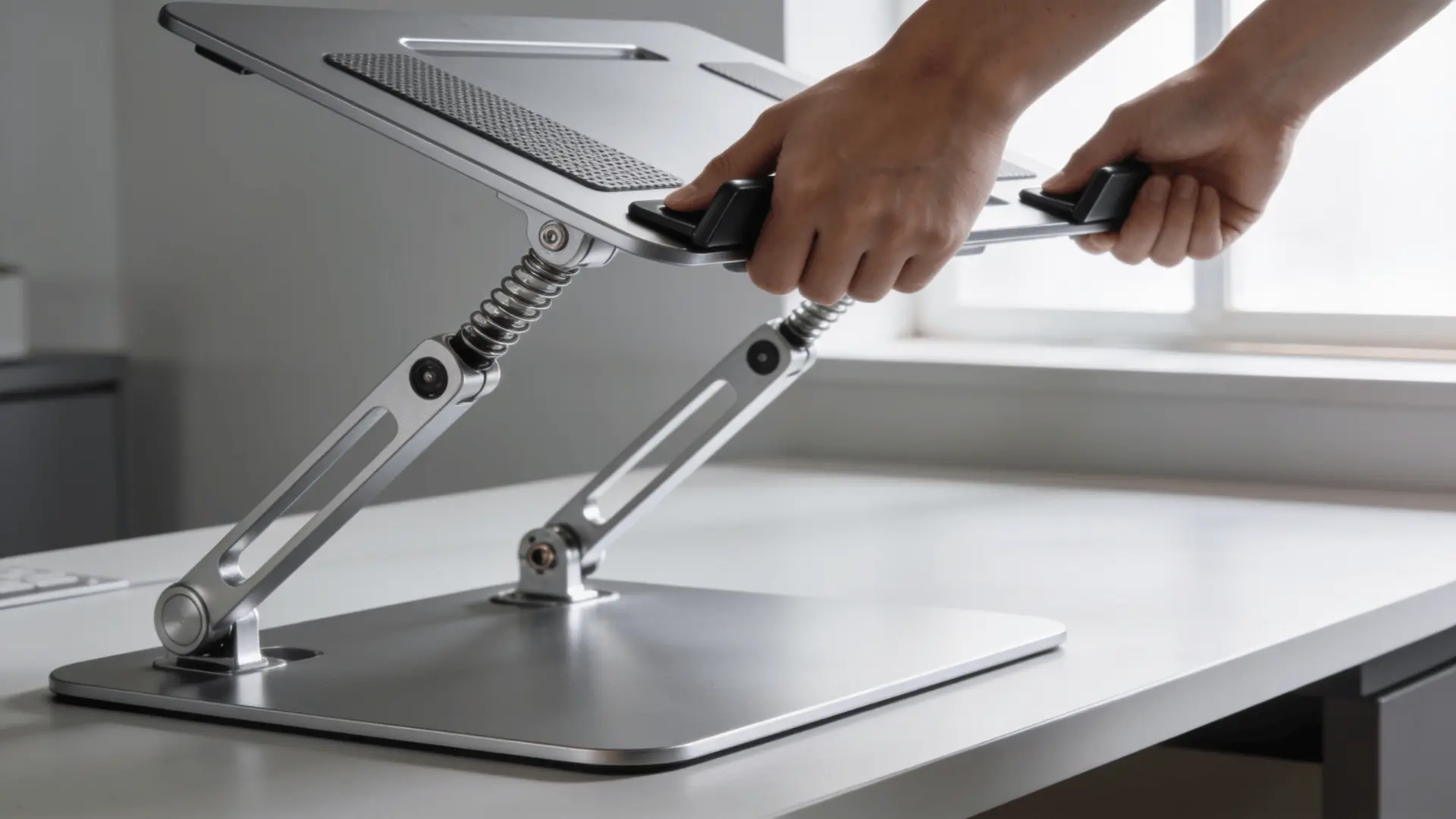 A riser desk is a genuinely good upgrade, but it isn’t a full standing desk, and it helps to know the limits before you buy:
- The base takes up desk depth: I’ve measured plenty of desks where the riser’s footprint left almost no room for a notepad or coffee. Measure first (more on that below).
- Stability drops at full height: Lighter models can feel a little wobbly when raised, particularly with a large or dual-monitor load.
- Weight limits are real: Manual and gas-spring models have a lifting capacity that heavy monitors or a full desktop tower can exceed.
- The adjustment range is finite: Very tall or very short users sometimes can’t hit a truly neutral standing height, so check the max lift against your own elbow height.
Personalize Your Riser Desk
Once you buy a desk converter, setting up the rest of your home office becomes the next fun step. Adding the right tools and personal touches makes your daily routine much more enjoyable.
1. Choosing the Right Office Chair
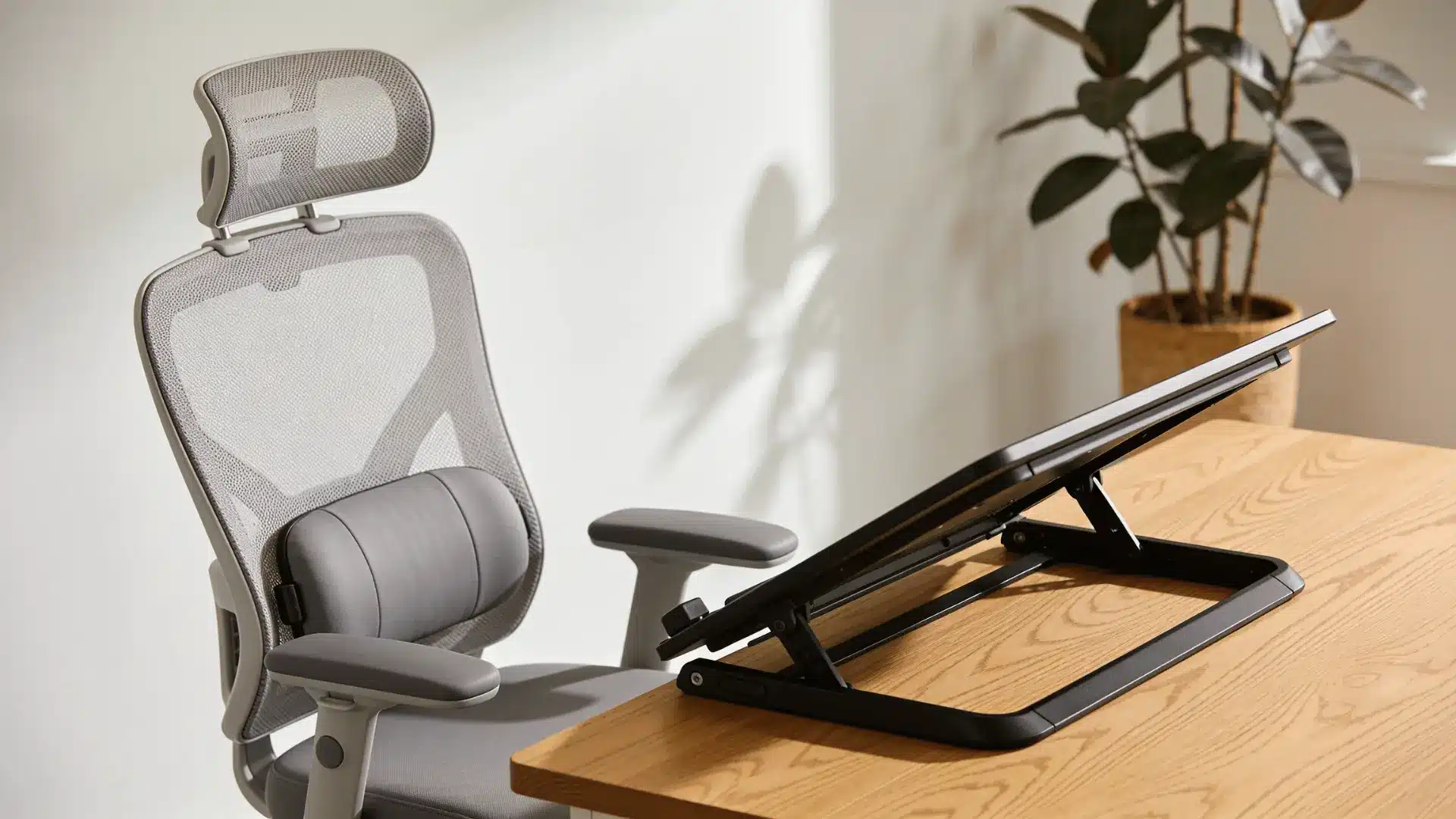
While standing is great for your health, you still need a comfortable place to sit during the day. I highly recommend investing in an ergonomic office chair with solid lumbar support.
This type of chair keeps your lower back secure when you lower your converter. If you prefer to stay active, a leaning stool is another fantastic option.
It lets you rest your legs while keeping your core muscles engaged. Finding a good balance between standing and sitting requires a seat that properly supports your body.
2. Decorating Your Workspace
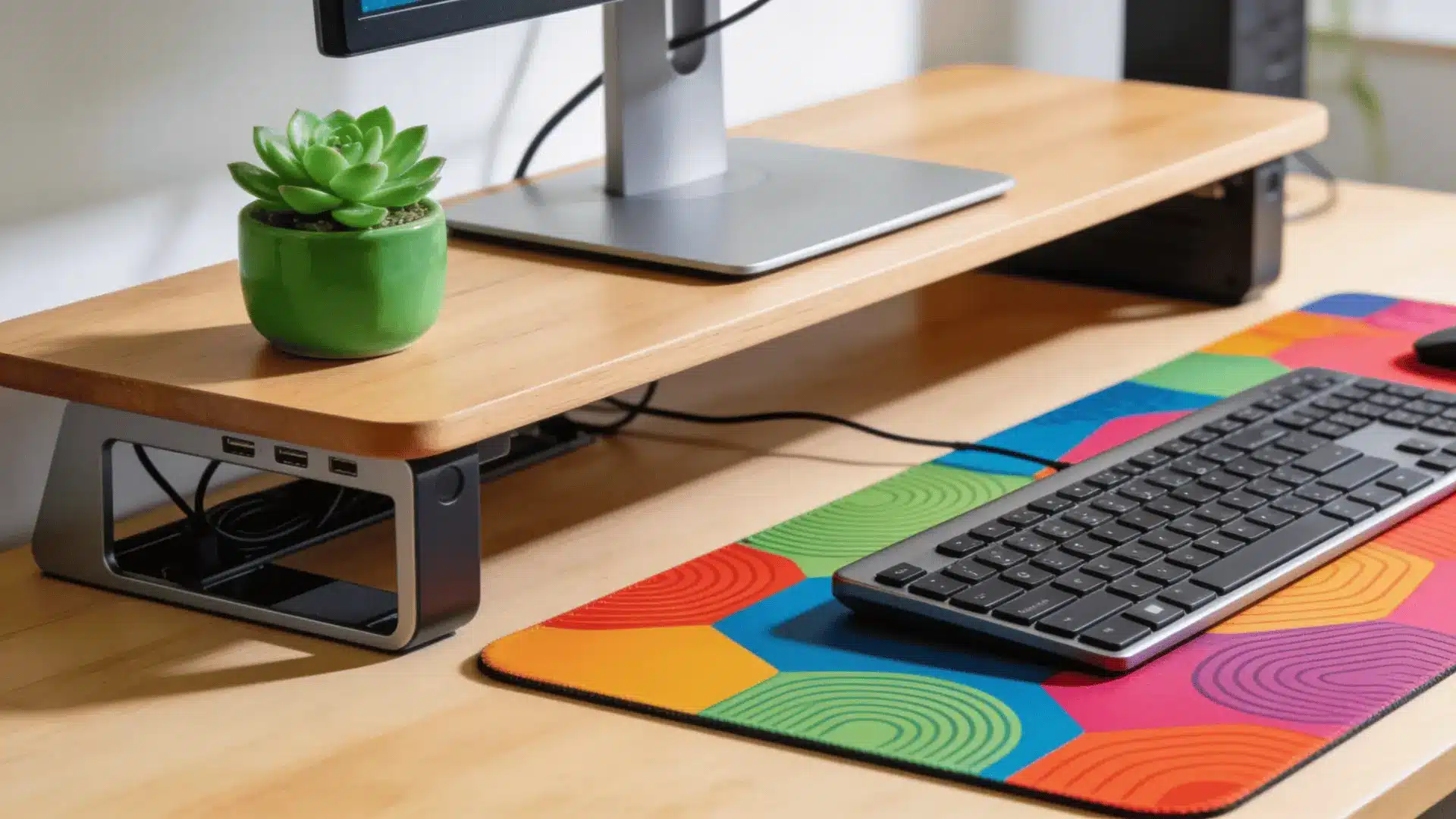
Personalizing your setup makes long shifts feel much less stressful. I love adding small indoor plants to my desk because green leaves instantly brighten up the room.
You can also place a soft, colorful desk mat under your keyboard to protect the platform and give your hands a comfortable resting spot. Using simple cable organizers is another smart move to keep messy wires out of sight.
A clean, personal workspace clears your mind and helps you focus on your daily tasks without feeling overwhelmed.
3. Best Placement Ideas in the House
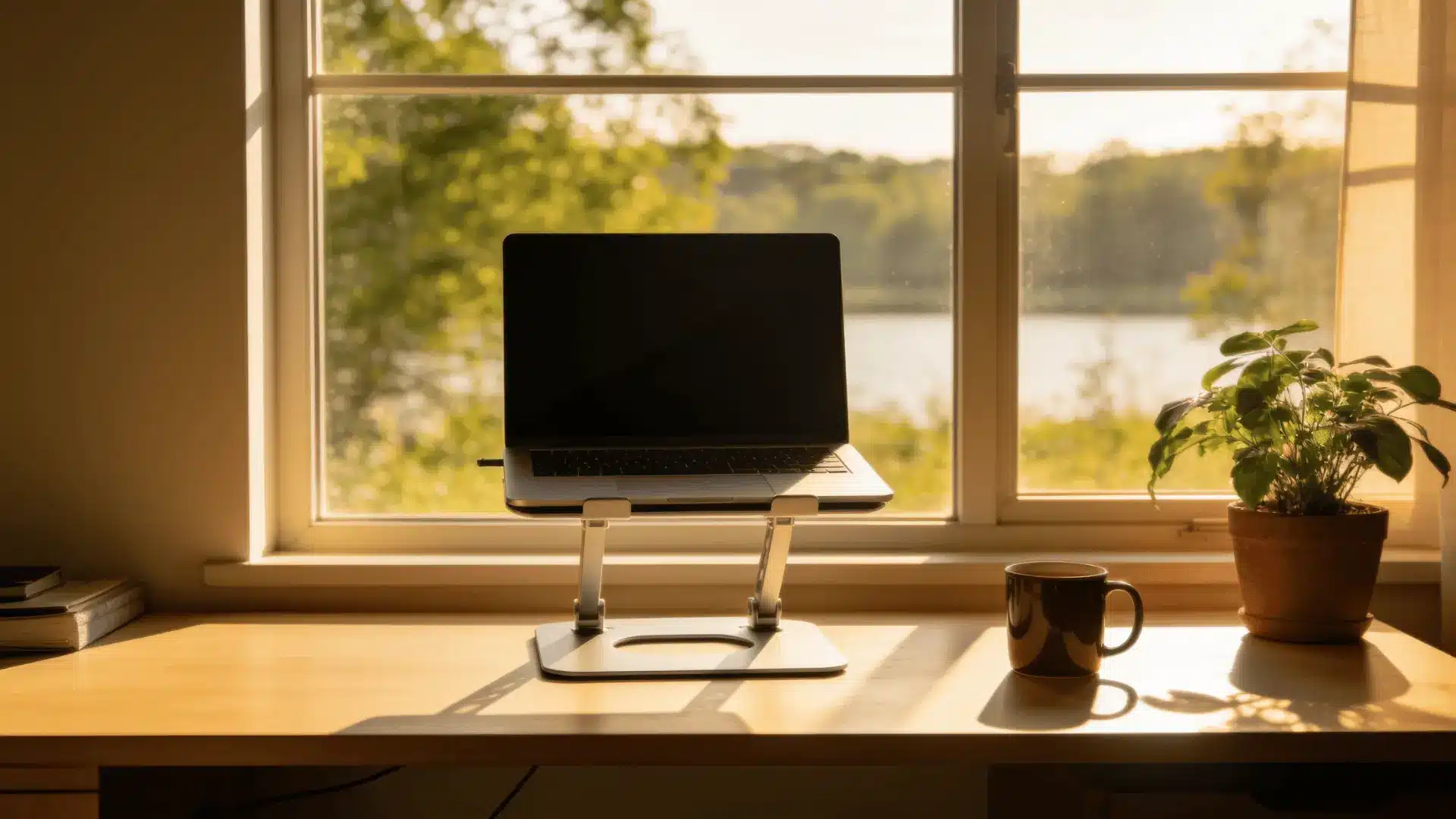
Finding the perfect spot for your new setup is just as important as the furniture itself. I always try to place my desk near a large window to let in plenty of natural sunlight.
Good lighting reduces eye strain and keeps you feeling awake. Try to avoid pushing your table into a dark, cramped corner. Instead, face your desk toward the open room if possible, as this makes the space feel larger.
A well-lit, open area makes working from home much more pleasant.
Key Benefits Of Using Riser Desk
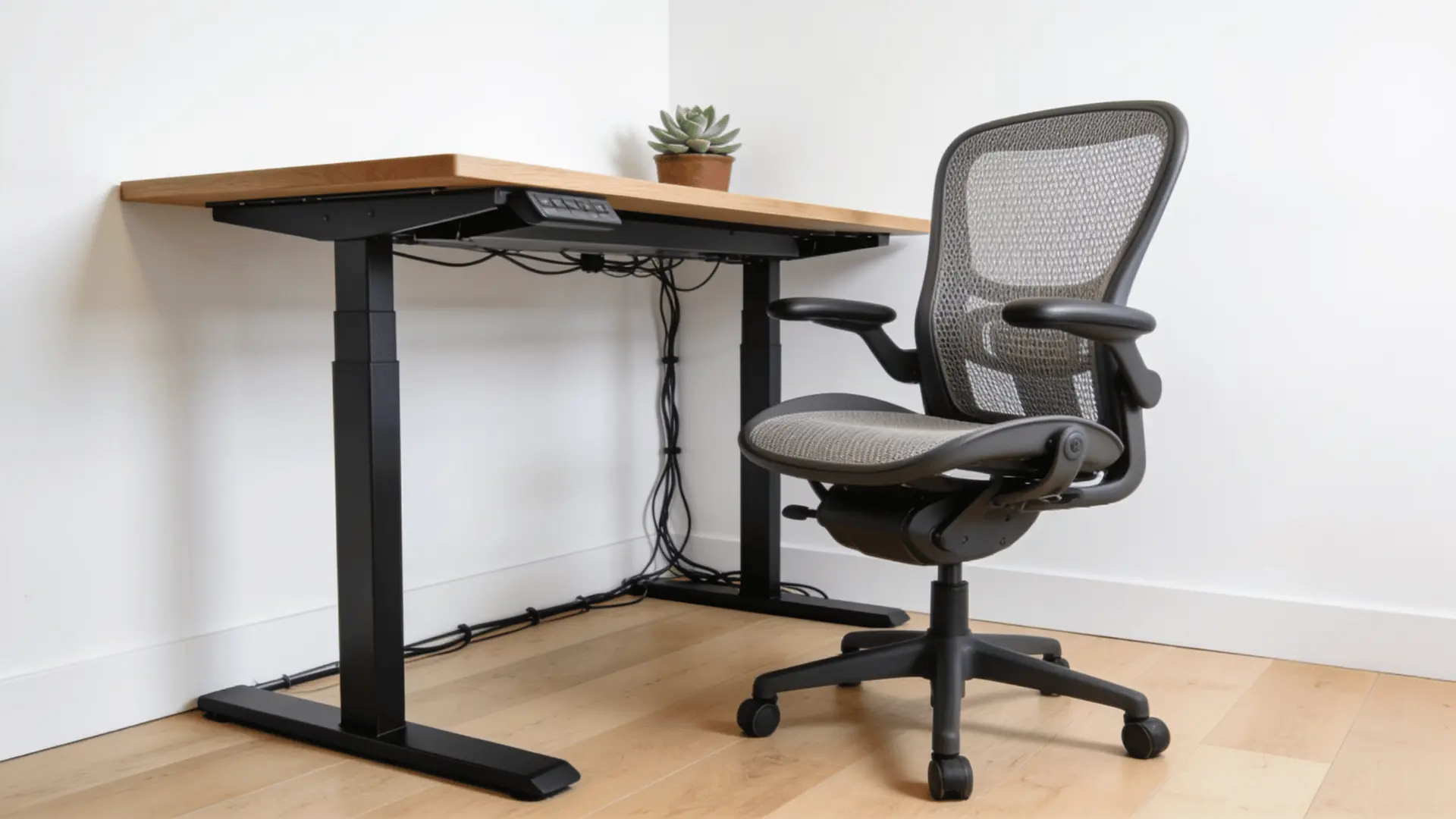
The riser desk offers a multitude of health benefits. Here are a few of them:
- Posture: Switching between sitting and standing throughout your day actively improves your overall posture. I find that this simple habit significantly reduces lower back pain during long working hours.
- Alignment: You can easily position your computer monitor exactly at eye level with these tools. This setup encourages much better spine alignment and keeps you from slouching over your keyboard.
- Energy: Many people report feeling much more alert and focused when they stand up to work. You will likely experience fewer late afternoon crashes during your long work shifts.
- Budget: Buying a converter is a highly cost-effective way to update your current home office. You get great health benefits without spending money on heavy and expensive new furniture.
Best Types of Riser Desks to Consider
When you are ready to update your daily setup, picking the right model makes all the difference. There are a few main designs available today, and knowing your specific needs will help you find the perfect match.
Let me walk you through the top options to help you decide.
1. Single-Tier Models
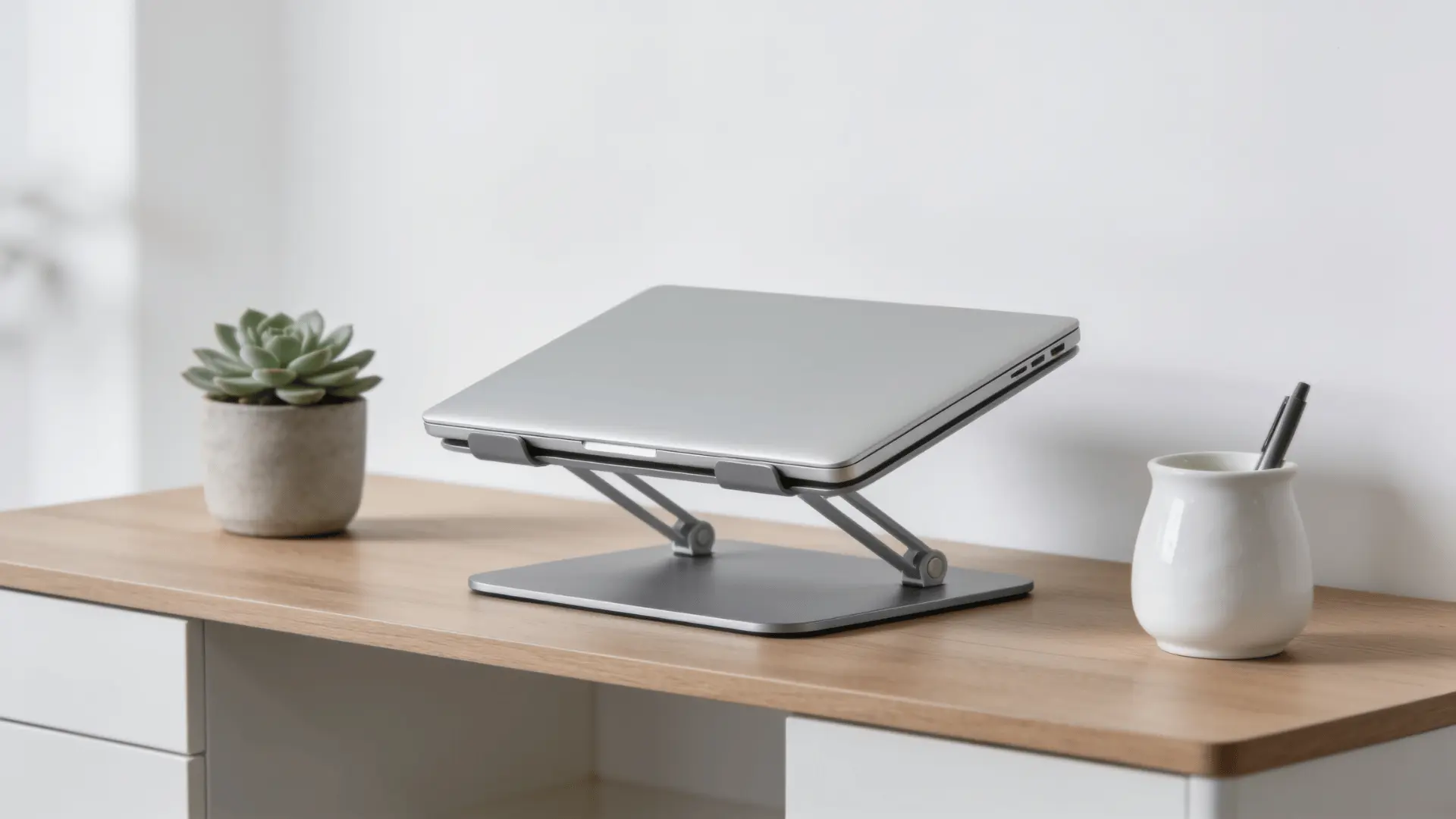
These models offer a single flat surface, making them a great choice if you only work on a laptop. Because they lack a second tray, they are very lightweight and highly portable.
You can easily move them from your dining table to your office space whenever you need a change of scenery. I find that this compact design saves a lot of space in smaller rooms.
If you travel often or prefer a minimal setup, this basic option is great. It gives you the physical benefits of standing without taking up much room on your furniture.
2. Dual-Tier Designs
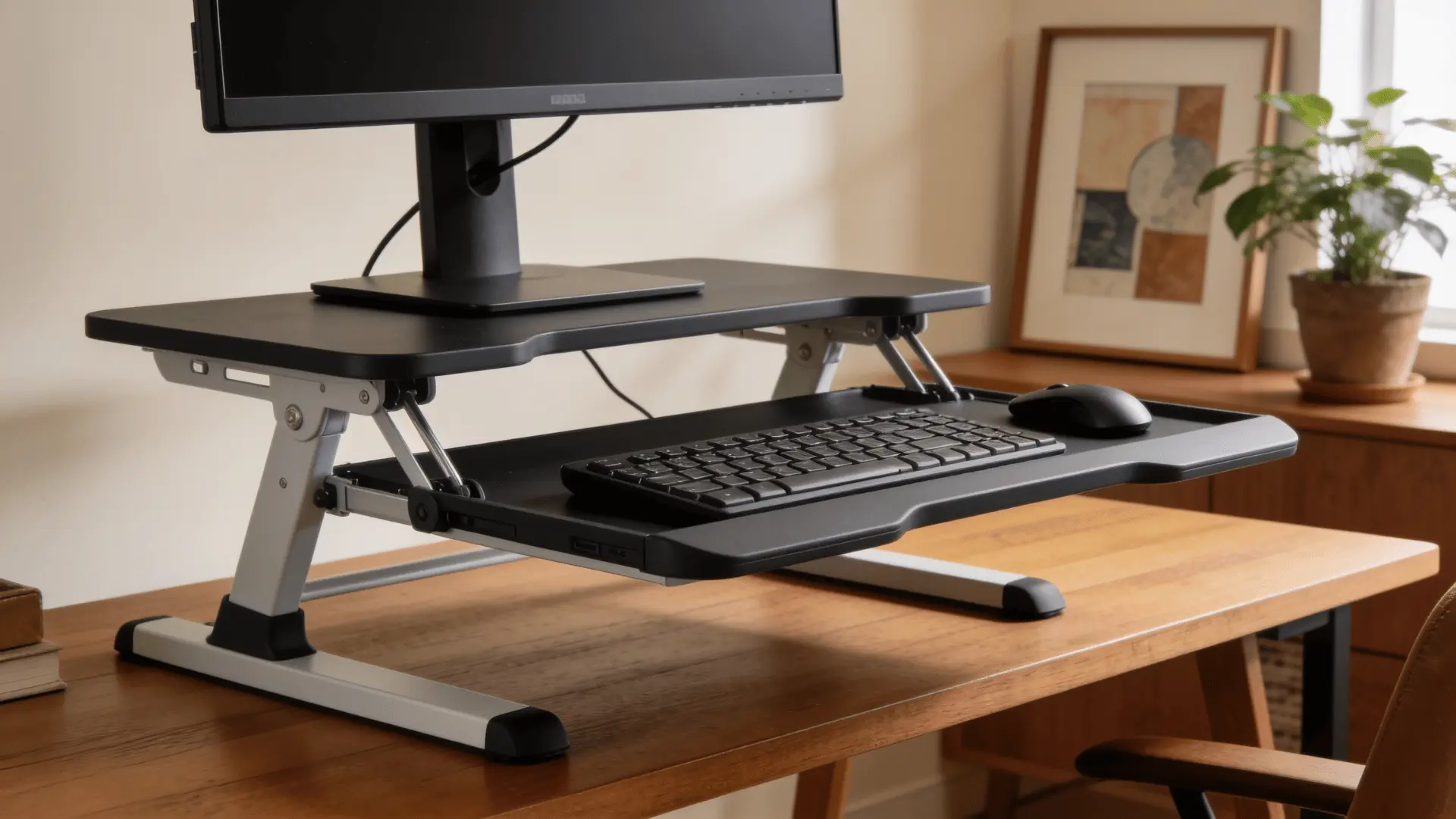
This is the most popular choice for people who spend long hours typing on a computer. These platforms feature a separate lower tray specifically built to hold your keyboard and mouse.
Keeping your keyboard lower than your monitor is much better for your wrists and helps prevent daily strain.
I always recommend this setup to anyone who uses a desktop computer because it provides the best overall support for posture.
It lets you look straight ahead at your screen while keeping your arms at a comfortable resting angle, making long work shifts much easier on your body.
3. Full-Width Risers
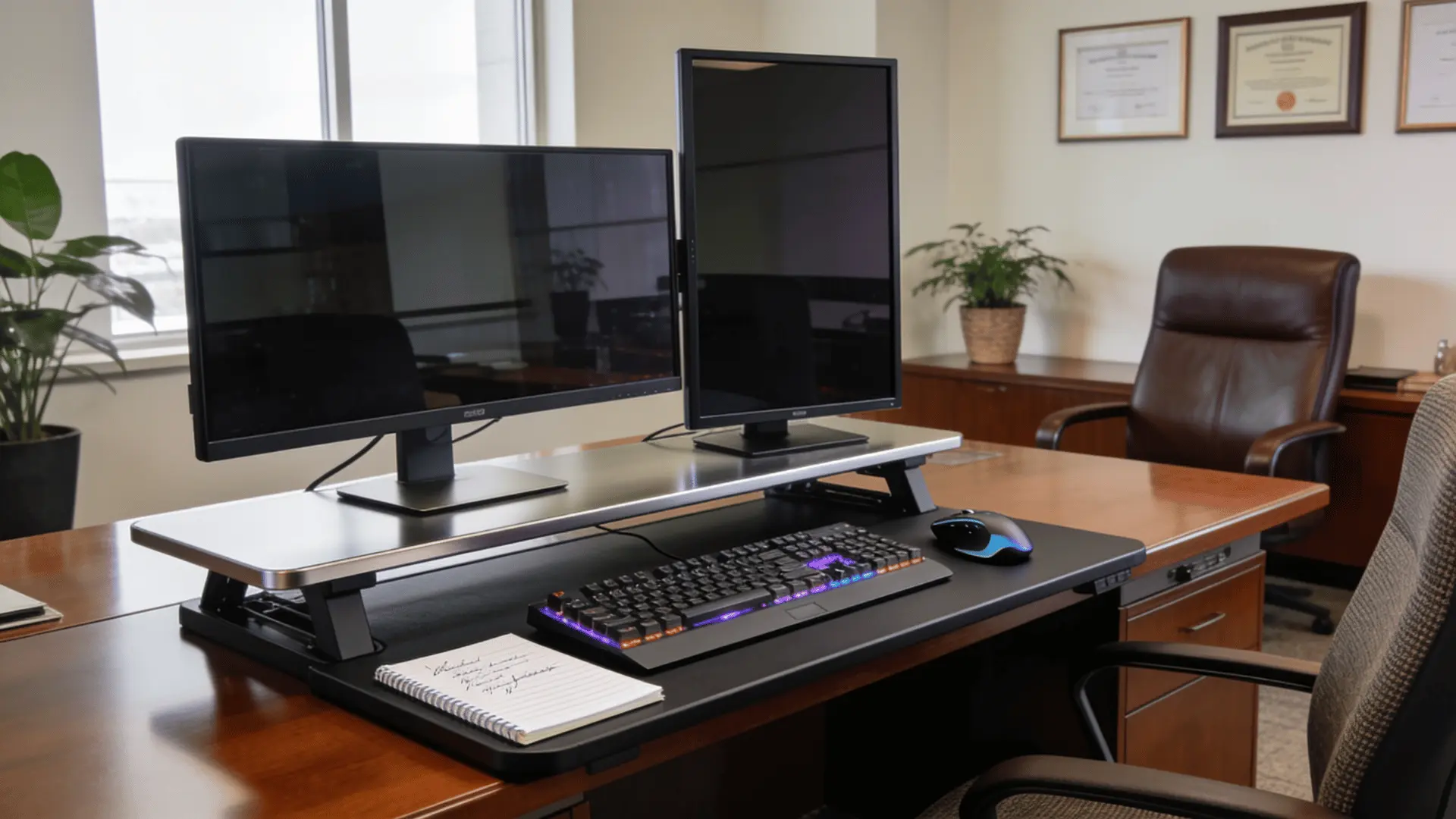
If your daily work requires multiple monitors, a full-width option provides the massive surface area you need.
These large platforms span almost the entire length of your current table, giving you plenty of room for heavy equipment, notebooks, and extra accessories.
I recommend this style for heavy multitaskers who cannot compromise on their screen space.
While they are heavier and harder to move around, they offer extreme stability and enough space to keep all your essential items close by.
This setup ensures you get the benefits of standing without losing your much-needed organizational room.
Finishing Up
Adding a riser desk is an excellent way to make your workspace more comfortable. It gives you the freedom to move throughout the day without sacrificing your favorite traditional furniture.
By keeping your screen at the correct height, you can prevent neck strain and stay focused on your tasks. Start with a simple dual-tier model and see how much better your body feels after a long shift.
Small changes to your daily routine can lead to much better long-term health. Are you ready to upgrade your home office? Check out our other articles to find the perfect ergonomic setup.
Frequently Asked Questions
Are Desk Risers Easy to Use?
Yes, they are very user-friendly. Most models use gas springs or electric motors, allowing you to change heights smoothly in seconds without heavy lifting.
Can I Put a Riser on Any Desk?
You can place a riser on almost any sturdy table. Just ensure your current desk has enough surface depth to hold the base safely.
Does Standing While Working Help?
Standing for parts of your day reduces physical fatigue. It can improve your focus, increase your energy levels, and prevent long-term posture problems.

With a Master in Architectural Studies from University of Pennysylvania, Marwa Haydar has pioneered living spaces since 2005. Her expertise, initially honed in a prestigious architectural firm, is evident in her approach to creating environments. Marwa became part of our team in 2019 and has since been a driving force in our home improvement section, known for her practical yet stylish solutions. She’s been spearheading our design workshops since then, infusing her passion for teaching into her work. In her leisure time, Marwa enjoys exploring historic architecture and is an enthusiastic pottery hobbyist, further enriching her understanding of form and texture.